The Edit — Guide
Editorial Canva templates, explained.
What editorial design is, why it reads as premium, and how to get the look.
Some feeds look like a sale. Others look like a magazine you'd keep on the coffee table. That second thing — the calm, considered, expensive-looking one — is editorial design. And you can build the whole look in Canva.
What "editorial" actually means.
Editorial design is the design language of magazines, art books, and fashion publications. It isn't a trend or a filter — it's a set of principles that have made print feel refined for over a century. When people say something looks "editorial," they mean it feels intentional, spacious, and quietly confident, instead of loud and busy.
Strip it back and editorial design rests on a few ideas:
- Hierarchy. One clear focal point per layout. Your eye knows exactly where to land first.
- Whitespace. Empty space isn't wasted — it's what makes content feel premium. Magazines pay for that breathing room on purpose.
- Typography as the hero. A considered serif paired with a clean sans, used with restraint, does most of the work. The type is the design.
- Restraint. Few colours, few fonts, nothing decorative for its own sake. What you leave out matters as much as what you keep.
Why the editorial look works.
It isn't just about taste. The editorial look changes how people perceive your brand — and what they're willing to pay.
A busy, template-shop layout signals "discount." A clean, editorial one signals "premium." Same product, different read. When your page has generous space, a strong headline, and one clear message, visitors slow down and trust what they're looking at. Clutter does the opposite: it makes people skim, doubt, and leave.
Editorial design also ages well. Trend-led graphics look dated in a year. Restraint reads the same in five. That's why the most enduring luxury brands lean editorial — it's the look that doesn't expire.
How to get the editorial look in Canva.
You don't need Canva Pro for most of this. Here's how to move a design from "fine" to editorial.
Pair one serif with one sans — and stop there.
The fastest way to look editorial is type pairing. An elegant serif for headlines, a clean sans for body and labels. Two typefaces, maximum — the contrast between them creates the magazine feel. A third breaks it.
Give it room to breathe.
Resist the urge to fill the canvas. Push elements toward the edges, leave the centre open, let single words sit alone. If a layout feels a little too empty, you're probably close to right.
Build a real hierarchy.
Pick one thing to be biggest — usually the headline — and make everything else clearly smaller. Avoid three elements competing at the same size. The eye should travel, not wrestle.
Limit your palette.
Editorial palettes are quiet: a warm white, a near-black, and one soft accent is often the whole story. Skip bright, saturated colour unless it's a single, deliberate punctuation mark.
Let photography do the talking.
Use few images, but make them large and considered. One full-bleed photo with space around the text reads more editorial than a collage of five. Cohesive, muted imagery beats bright and busy every time.
Widen the letter-spacing.
For tiny uppercase labels and eyebrows, widen the letter-spacing. That single detail instantly signals "magazine" rather than "flyer."
What it looks like in practice.
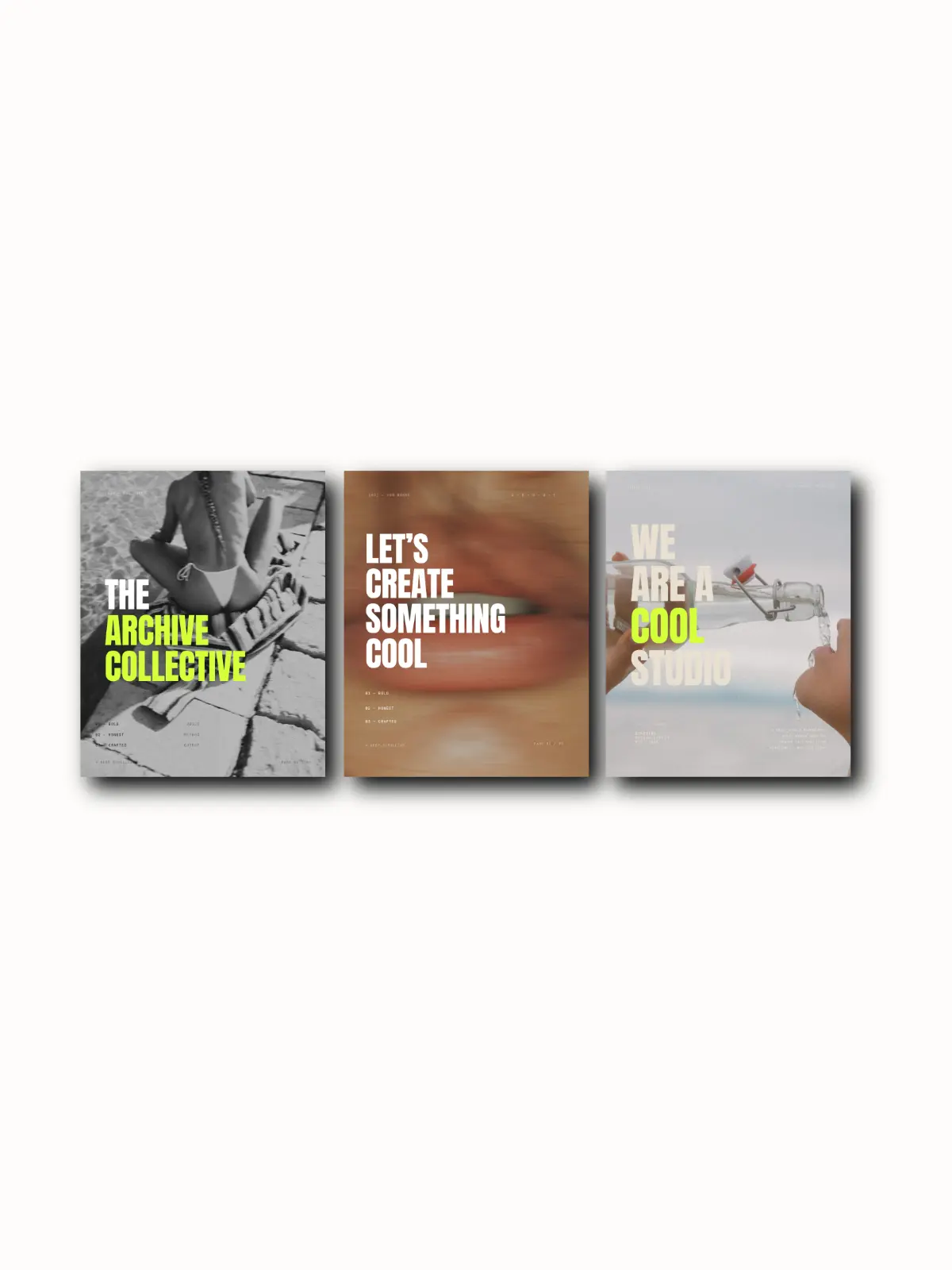
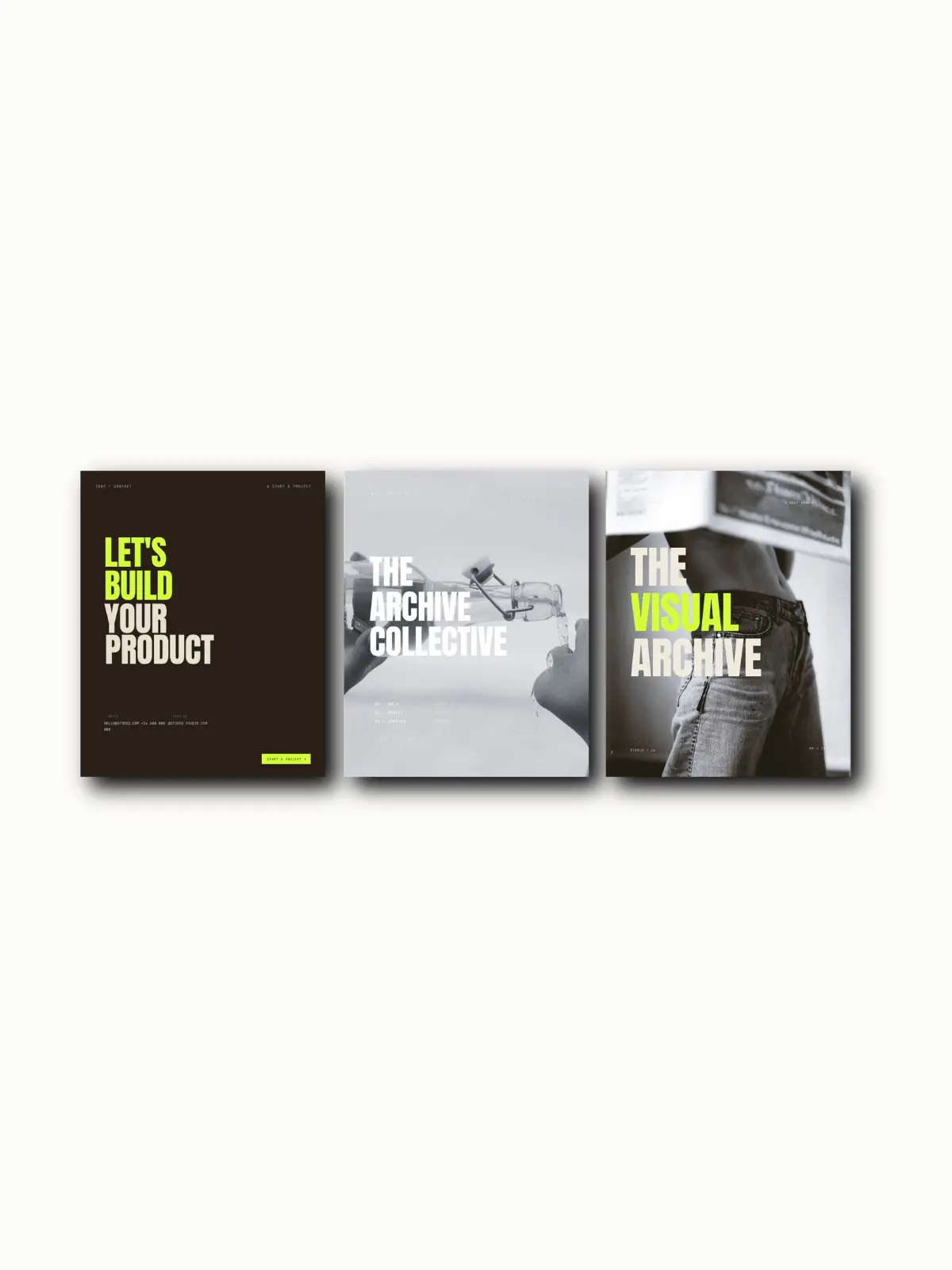
Principles are easier to see than to describe. A few examples of the editorial approach applied to real designs:
- The Editorial — a brand guidelines template built on magazine-energy structure: statement type, generous space, no filler.
- The Magazine Edit — layouts that read like spreads, where the grid and the whitespace carry the design.
- The Brand Book — restraint applied to a full identity system: logo suite, palette, typography, photography direction.
Across all of them the rules are the same: less, but better.
The shortcut: editorial Canva templates.
Learning the principles is worth it — but you don't have to start from a blank canvas every time. Editorial Canva templates give you the hierarchy, spacing, and type pairing already built in. You drop in your words and images, and the structure keeps it looking refined.
That's the whole idea behind the collection: editorial-led Canva templates designed with quiet confidence, fully editable, and built to make any brand feel like a publication rather than a storefront. Every one also ships with Master Resell Rights, so you can use it for your own brand or sell it as your own.
And if you want that editorial look built into an entire online store rather than a single design, that's what The Atelier is for — a bespoke storefront, designed by hand around your brand.
Need more than a single design? See how an editorial landing page is built.
Get the free editorial Canva templates.
25 fully editable templates — swap in your own words, images, and colours.
Thinking of reselling? Read the guide to MRR Canva templates.
Disciplined, not complicated.
Strong hierarchy, real whitespace, two typefaces, a quiet palette, and the confidence to leave things out. Get those right and your brand stops looking like everyone else's.
Shop the collection